

Most people think they are already good at prompting. They type a question into ChatGPT or Claude, get a decent answer, and assume that is the whole skill. Then they watch a colleague get a result three times better from the same tool, on the same task, in half the time, and something does not add up.
That gap is prompt engineering. It is not a trick or a list of magic phrases. It is a way of thinking clearly about what you want, and then communicating it to a system that takes you extremely literally.
What prompt engineering actually means
At its simplest, prompt engineering is the practice of designing instructions for an AI model so that the output is accurate, consistent and useful. The word ‘consistent’ is doing a lot of work there.
Getting a good answer once is easy. Getting a good answer every time, across a hundred different inputs, when someone else on your team runs the same prompt, is the actual skill. It is the difference between a clever demo and something a business can rely on.
A good way to think about it: imagine briefing a very capable new hire on their first day. They are smart, fast and eager, but they know nothing about your company, your customers, your standards or what you meant by ‘make it better.’ Everything you leave out, they will guess. Prompting is learning to write that brief well.
Why this skill is not going away
A common argument goes like this. Models keep getting smarter, so eventually they will understand what we mean and prompting will not matter. There is some truth in it. Modern models are far more forgiving of vague instructions than they were even two years ago.
But the gap did not disappear. It moved. When models were weak, prompting was about coaxing them into basic competence. Now that they are strong, prompting is about directing that competence precisely. A more powerful tool rewards clearer direction more, not less. Think of the difference between handing vague instructions to an intern and handing them to a senior consultant. The consultant can do far more with a good brief, and wastes far more of your money with a bad one.
The core techniques
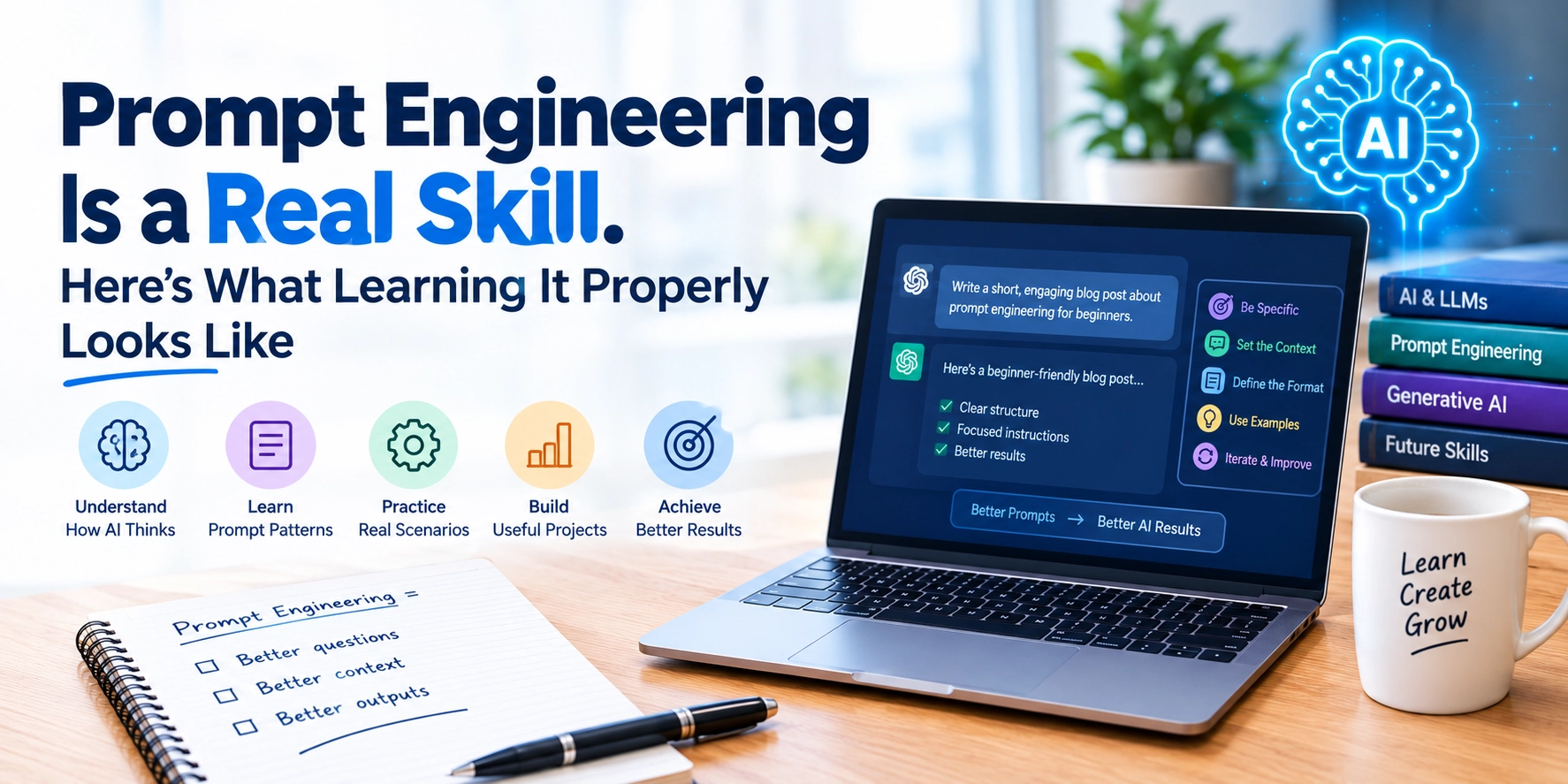
There are a handful of techniques that account for most of the improvement people see once they learn to prompt properly.
- Give context. Tell the model who the audience is, what the output is for, and what good looks like. ‘Write a product description’ produces filler. ‘Write a 120 word product description for a B2B software page, aimed at HR managers who are worried about payroll errors’ produces something usable.
- Show examples. One or two examples of the output you want are worth paragraphs of description. Models are extraordinarily good at matching a pattern once they can see it.
- State constraints clearly. Length, tone, format, what to avoid, what must be included. If you care about it, say it.
- Specify the output format. If you need a table, a bulleted list, JSON or three options ranked by risk, ask for that explicitly.
- Break big tasks into steps. Asking for research, analysis and a final recommendation in one go usually produces a shallow version of all three. Asking for each in sequence produces depth.
- Ask the model to show its reasoning when accuracy matters. Having it work through a problem before answering tends to catch errors that a direct answer would hide.
None of these are complicated on their own. The skill is knowing which ones a given task needs, and combining them without writing a prompt so long it contradicts itself.
A quick before and after
Here is how that plays out in practice. A first attempt might read: ‘Summarise this customer feedback.’ The model returns a tidy paragraph that is accurate and almost useless.
A stronger version reads: ‘You are helping a product team decide what to fix next quarter. Summarise the attached customer feedback into the five most common complaints, ranked by how often they appear. For each one, give a count, one representative quote, and a one sentence note on likely business impact. Use a table. If a complaint appears fewer than three times, leave it out.’ Same tool, same data. The second prompt produces something a team can act on in a meeting that afternoon.
Testing: the part almost everyone skips
Here is where casual users and trained practitioners really split. A casual user writes a prompt, likes the result and moves on. A practitioner runs the same prompt against ten or twenty different inputs and checks where it breaks.
It almost always breaks somewhere. The summary that works beautifully on a clean two page report falls apart on a messy forty page one. The customer email template that sounds warm for a complaint sounds oddly cheerful for a cancellation. You only find these failures by looking for them.
If you are building anything your team will reuse, whether it is a template, an internal tool or an automated workflow, testing is not optional. It is the job.
The tools layer: AI utility tools for everyday work
Prompt engineering does not happen in a vacuum. In 2026 it happens inside a growing set of AI utility tools that most professionals now touch daily. General purpose assistants for drafting, research and analysis. AI features built into spreadsheets, slide software and email. Meeting tools that transcribe and summarise. Coding assistants for developers. Image and document tools for marketing and design teams.
Knowing which tool fits which task is a skill in its own right. So is knowing how to chain them: pulling a meeting summary into a draft email, turning research notes into a structured brief, feeding a spreadsheet analysis into a slide outline. The people who save the most time are not using the fanciest tools. They are using ordinary tools deliberately.
Where it goes wrong
Any honest guide to prompting has to cover the failure modes, because they are real.
Models still invent facts, sources and statistics with total confidence. Anything that will be published, sent to a client or used in a decision needs checking against a reliable source. A well designed prompt can reduce this, for example by asking the model to flag uncertainty or to answer only from material you provide, but it cannot eliminate it.
Privacy matters too. Pasting confidential client data, employee records or unreleased financials into a public AI tool can breach company policy, contracts or, in some industries, the law. Learning prompting properly includes learning what not to put into a prompt.
And there is over-trust. The output reads fluently, so it feels right. Fluency is not accuracy. The best practitioners stay a little sceptical of every answer, especially the ones that tell them exactly what they hoped to hear.
Who benefits most
Almost everyone who works with information, but a few groups see outsized returns. Marketers, who produce high volumes of written content under tight deadlines. Analysts, who can move from raw data to a first draft of findings much faster. Managers, who spend large parts of the week summarising, drafting and planning. Customer support teams, who can standardise responses without sounding robotic. And developers, for whom good prompting is now part of working with coding assistants effectively.
For developers and technically minded professionals, prompting is also the entry point to building with AI rather than just using it. Our explainer on NLP with LLMs covers how that deeper layer works.
Is ‘prompt engineer’ a real job?
Worth being straightforward here. Dedicated job titles called prompt engineer exist, but they are relatively rare and usually sit inside AI product teams. For most people, prompt engineering is not a job title. It is a multiplier on the job they already have.
That is actually the better deal. A marketing manager who prompts well is a more valuable marketing manager. An analyst who prompts well produces more and better analysis. The skill travels with you across roles and industries, which a narrow title never would.
How to learn it properly
Practice on your real work, not on toy examples. Pick three tasks you do every week and rebuild your approach to each using the techniques above. Keep a simple file of prompts that worked, with notes on why. Test them against different inputs. Revise.
Structured learning speeds this up considerably, mostly because it exposes you to techniques and tools you would not have found on your own, and because feedback from someone experienced shortens the trial and error.
Mindvex’s AI Utility Tools & Prompt Engineering course is built for working professionals rather than researchers. It covers the core techniques, prompt testing, the everyday AI tools that matter at work, and responsible use, with exercises drawn from real business tasks. For anyone who later wants to go deeper into how these models work, it leads naturally into our Generative AI & LLM programme. Book a demo if you would like to see how it fits your role.